Best developer productivity tools in 2026
Docs, notes, and planning — the tools around the code rather than in it.
Productivity is the category for tools that improve the work around the code: writing things down, keeping docs next to the repository, tracking what is in flight. They are the easiest tools here to adopt and the easiest to abandon, because nothing breaks when you stop using them. That makes the question before launch unusually simple — is this something you would still open on a bad Thursday?
24 tools
TokenWatch
LaunchedAn iOS and Android app that shows remaining usage limits and reset times for AI coding services.

Ditchly
LaunchedFree and open-source alternatives to paid apps, ranked and explained

Mons
BetaContinue your coding-agent terminal session from computer to iPhone and iPad.
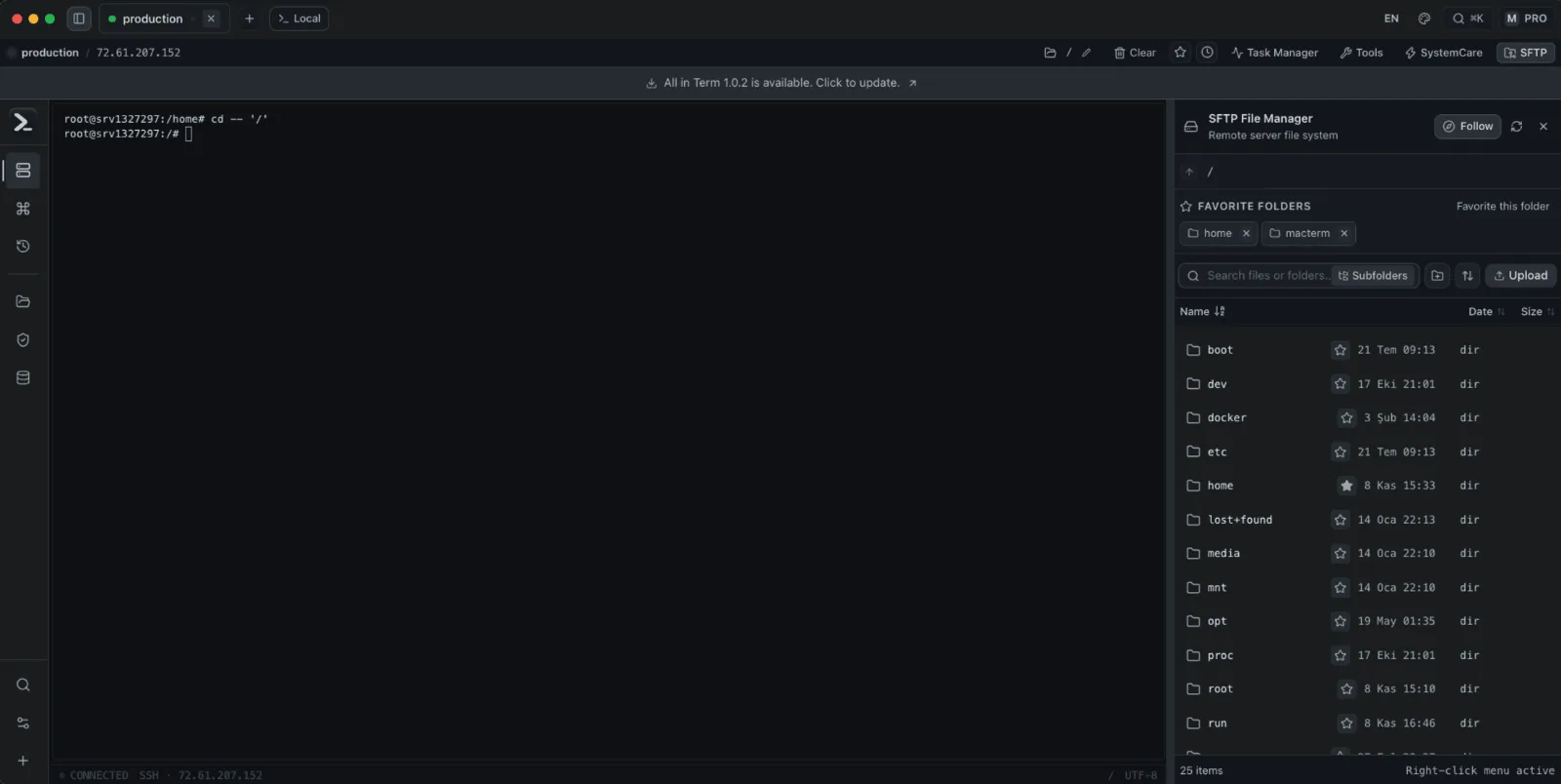
All in Term
LaunchedA terminal app for Mac and Windows with SSH, SFTP, database, Docker and Nginx tools in one workspace.
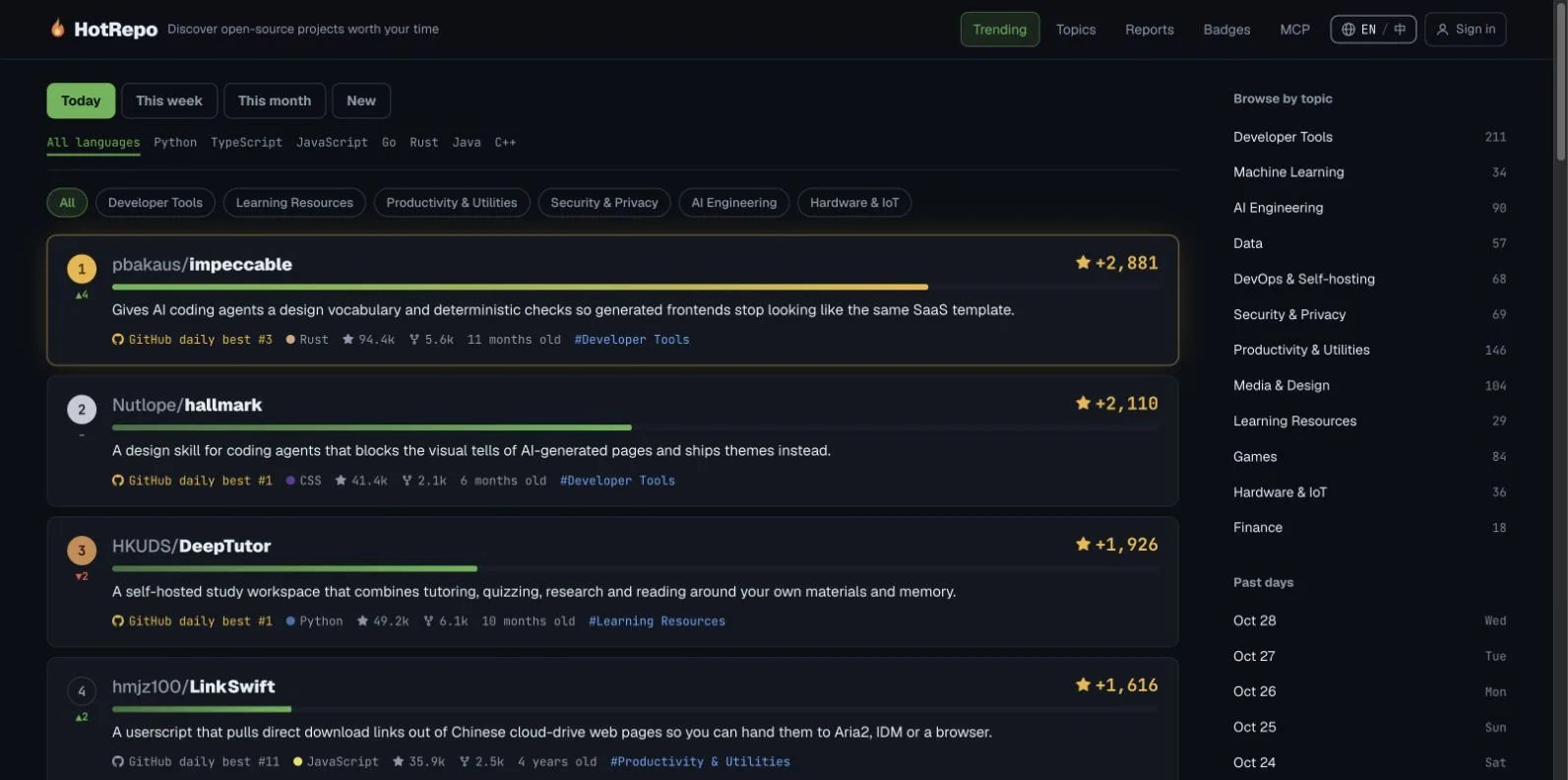
HotRepo
LaunchedDiscover trending GitHub projects with bilingual AI reviews and historical rankings
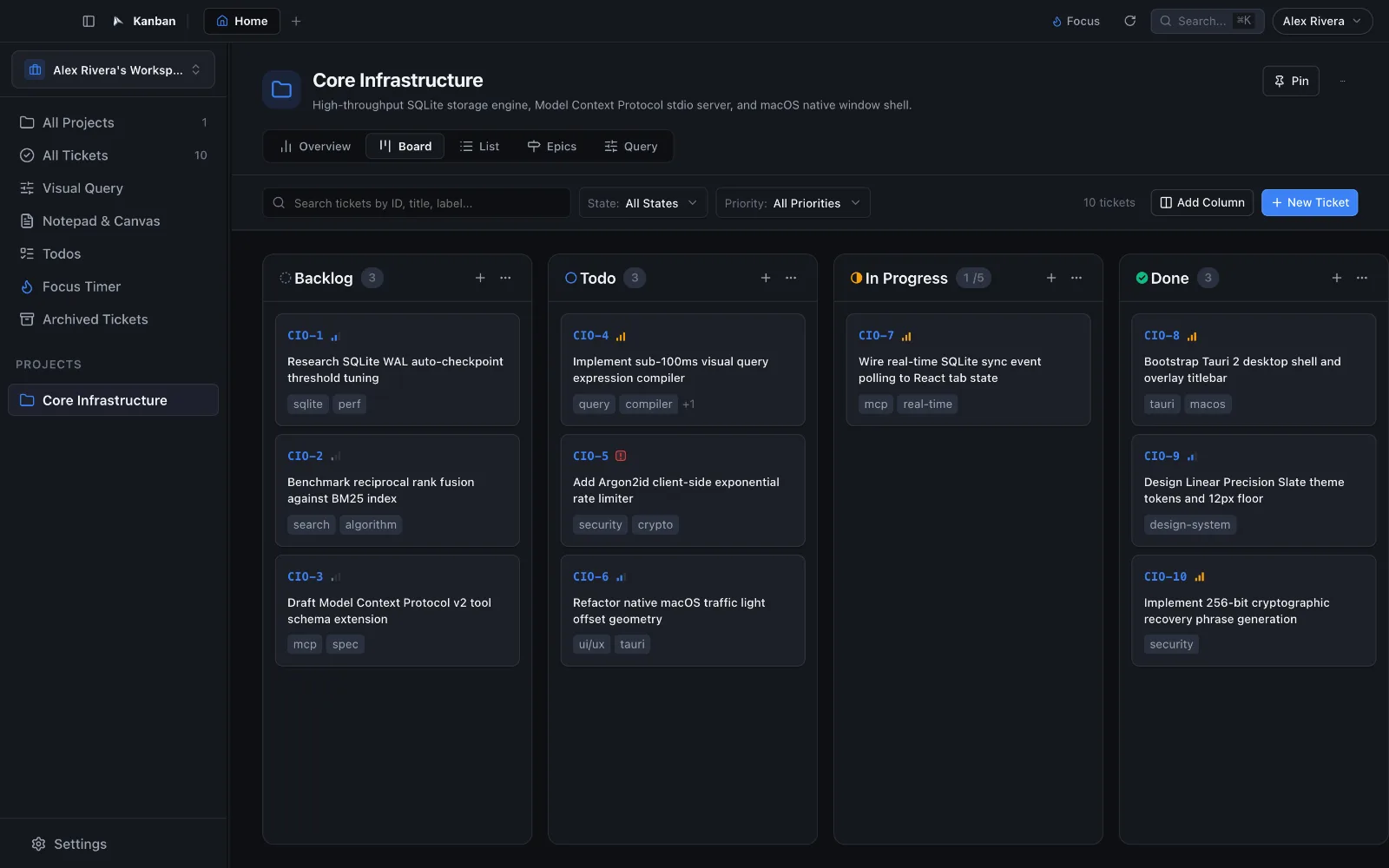

Cool Kanban
LaunchedAn offline-first Kanban app for macOS with local SQLite storage and an MCP server for AI agents.
XTTY
LaunchedA native Mac terminal built for fast SSH workflows, multi-host operations, and agent-aware remote work.


tmps.fyi
LaunchedShare text, images and files across devices with no app or sign-up.

Photocraft
BetaAn open-source image editor written in Rust, with layers, masks and PSD support.
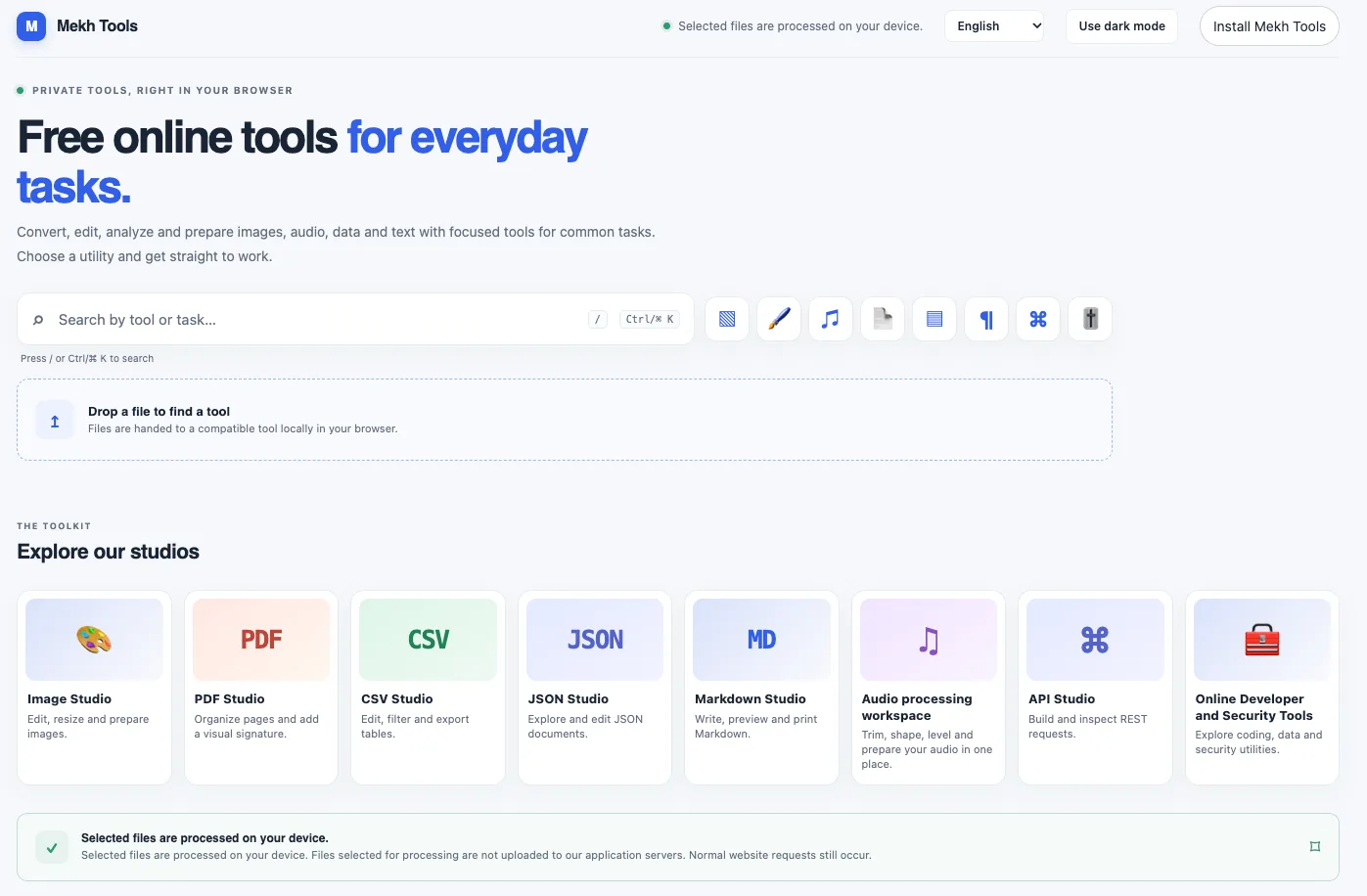
Mekh Tools
LaunchedFree browser utilities for JSON, CSV, images, audio and everyday file tasks
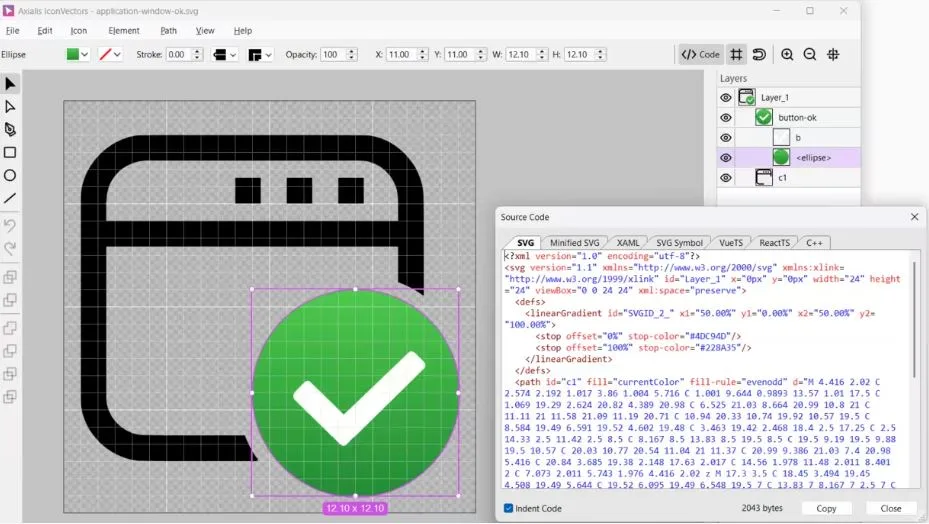

IconVectors
LaunchedDesktop SVG icon editor with a built-in MCP server.
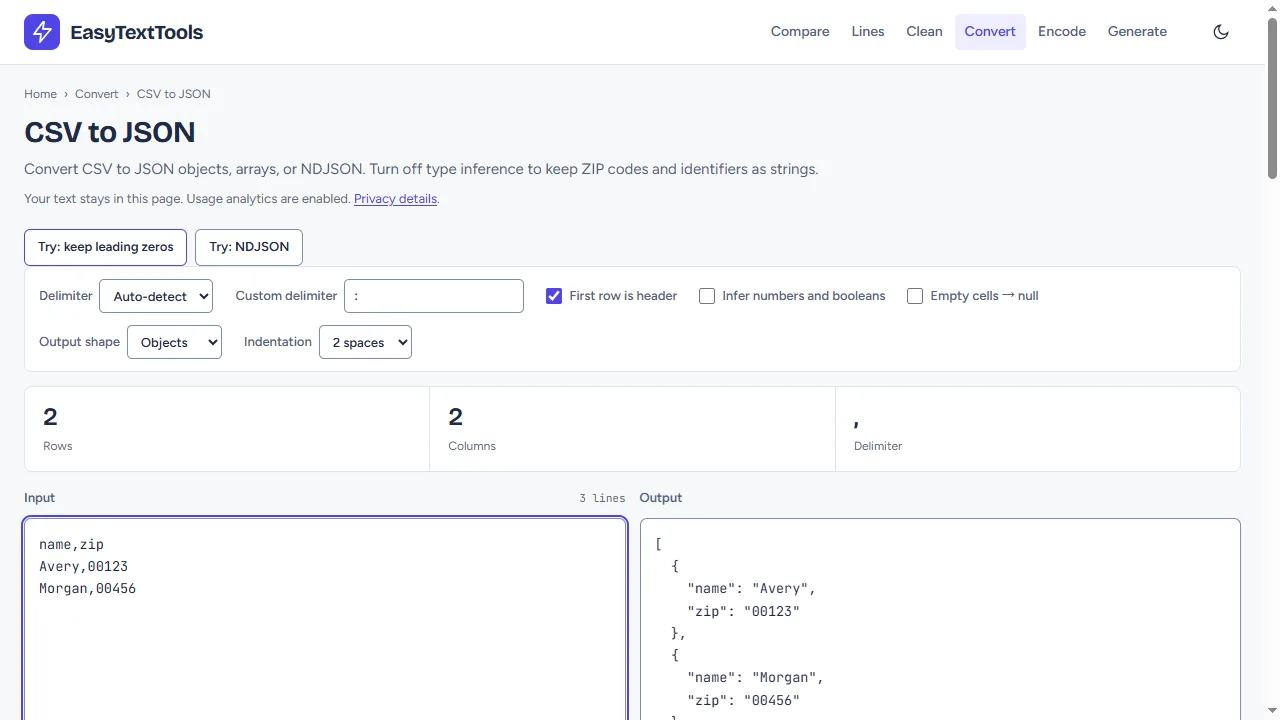

EasyTextTools
Launched37 free browser tools for text, CSV and JSON, with no account required.
JSONViewerTool
LaunchedBrowser tools for viewing, comparing, validating, escaping and converting JSON.
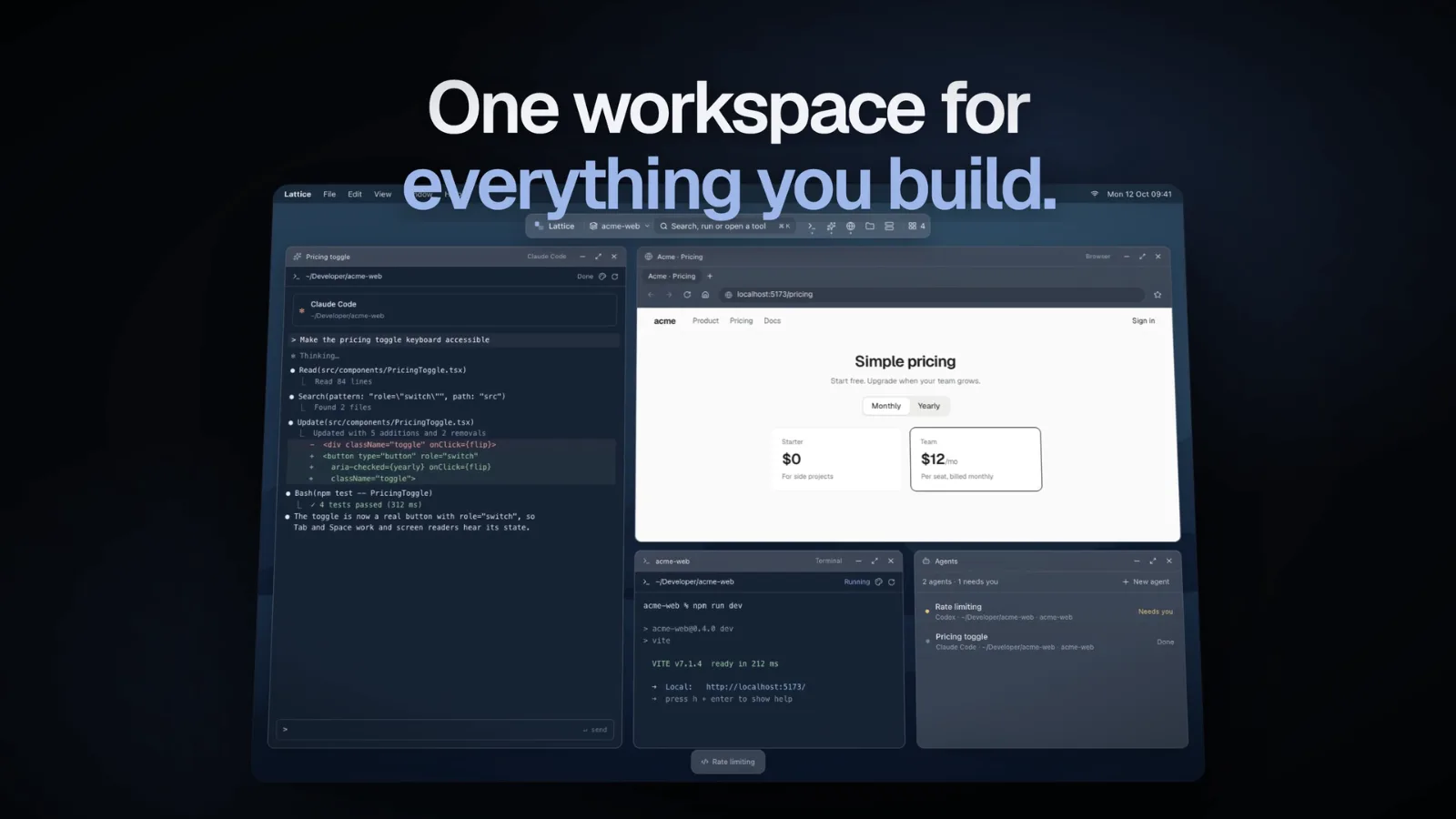
Lattice
BetaA separate Mac desktop for each project’s terminals, coding agents and browser preview


Excalidraw
LaunchedAn open-source virtual whiteboard for sketching hand-drawn-style diagrams.
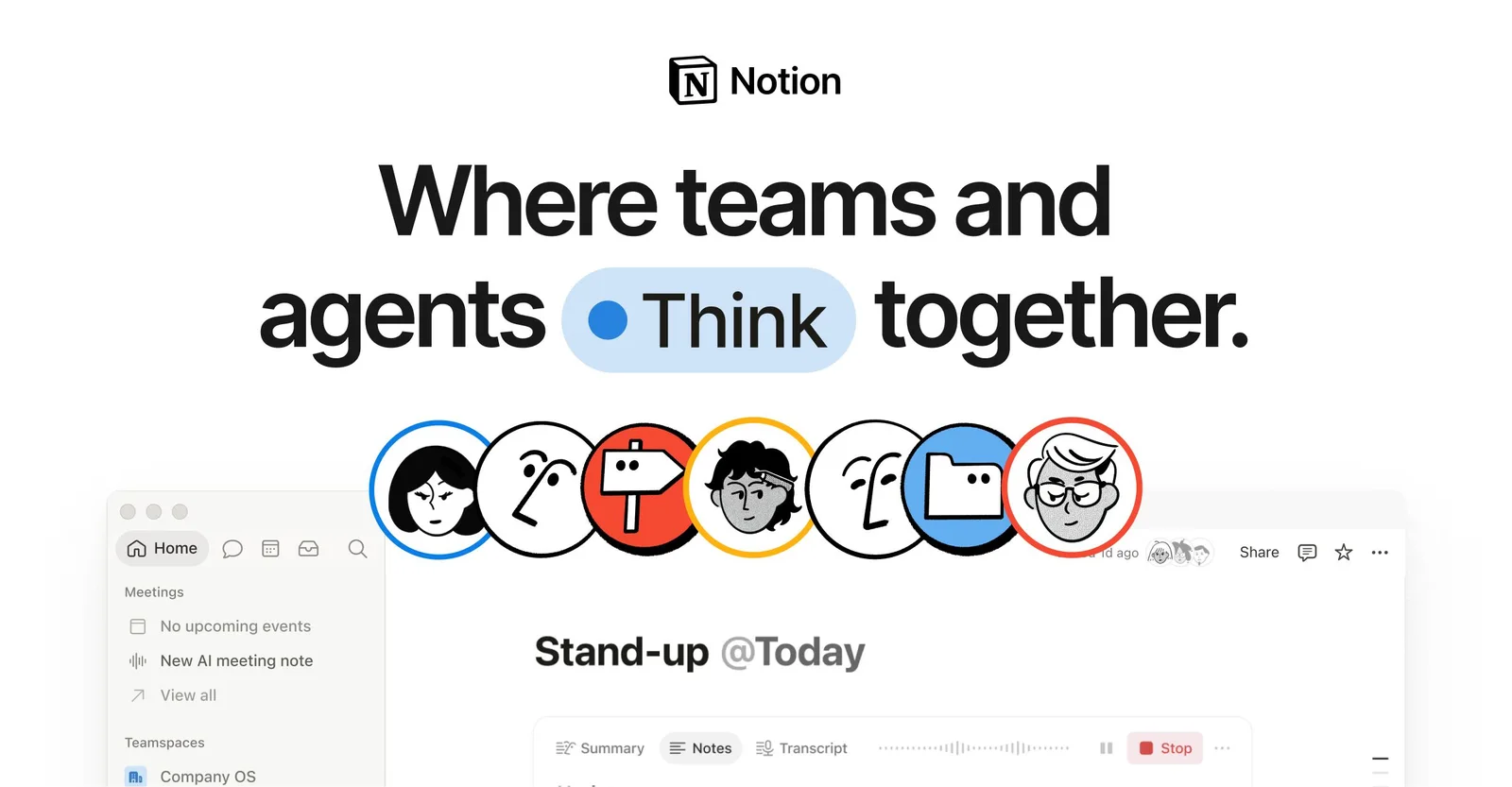

Notion
LaunchedA workspace that combines documents, wikis, databases and project tracking.
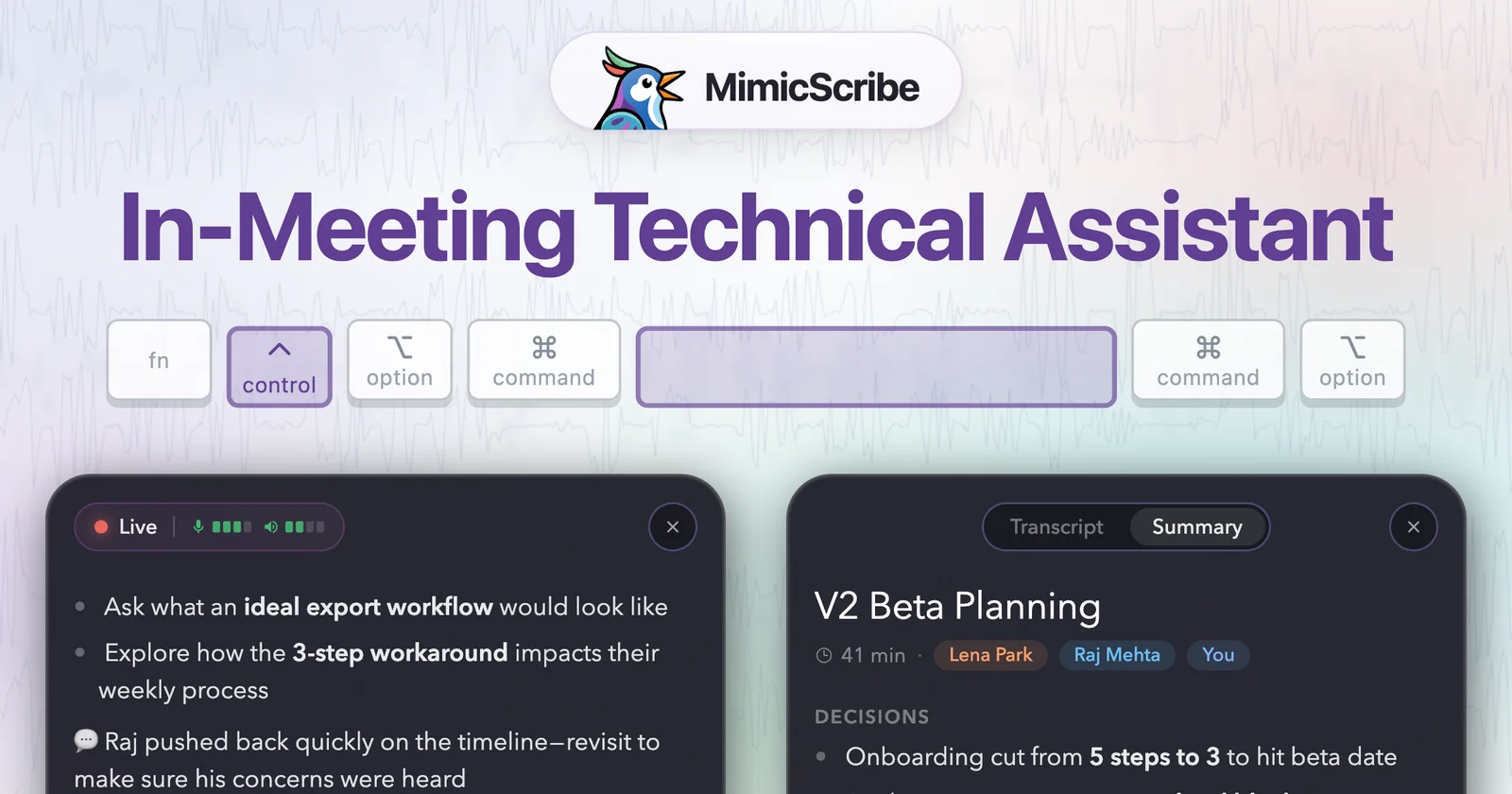

MimicScribe
LaunchedAn on-device meeting notetaker for macOS that identifies speakers without a bot joining the call.

Ledge
LaunchedMarkdown notes that run shell commands, code, SQL and AI prompts in place.

PCBJam
BetaKiCad in the browser, with real-time collaboration on the same project.
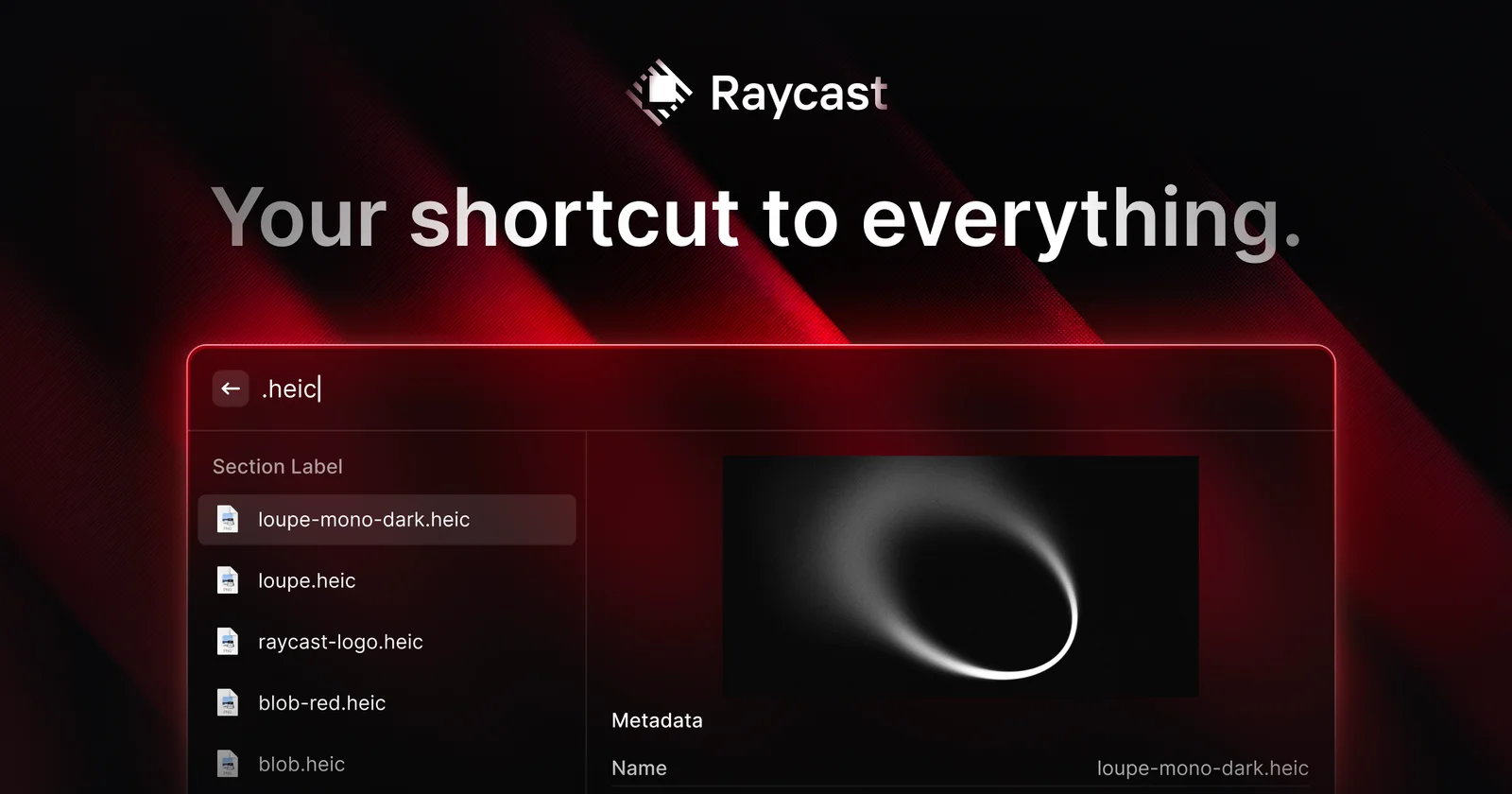

Raycast
LaunchedA keyboard launcher for Mac that replaces Spotlight with extensions, snippets and window management.


Spline
LaunchedA browser-based 3D design tool for building interactive scenes for the web.
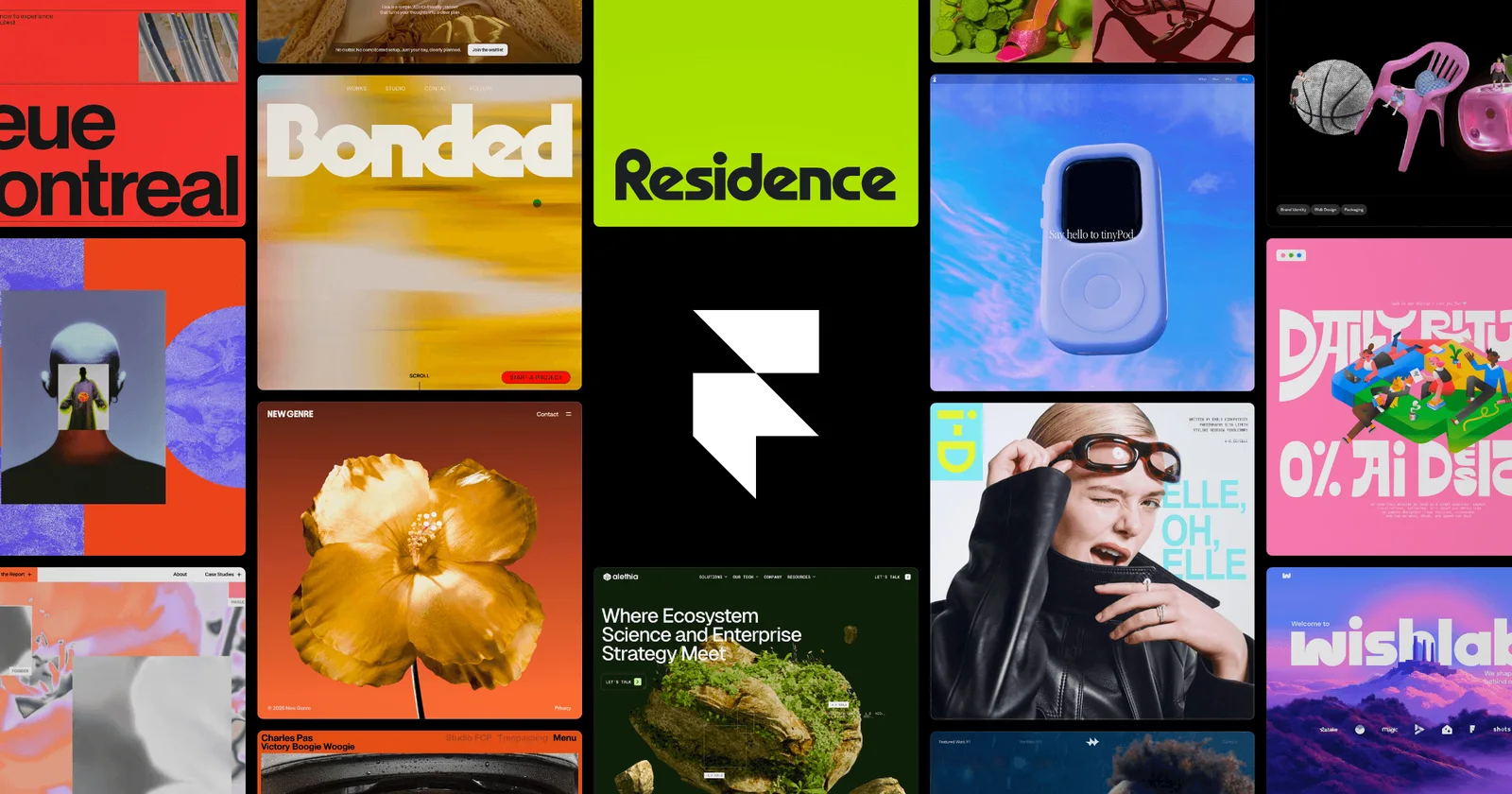

Framer
LaunchedA visual website builder for designing and publishing responsive sites without code.

Linear
LaunchedIssue tracking and project planning built for fast-moving software teams.
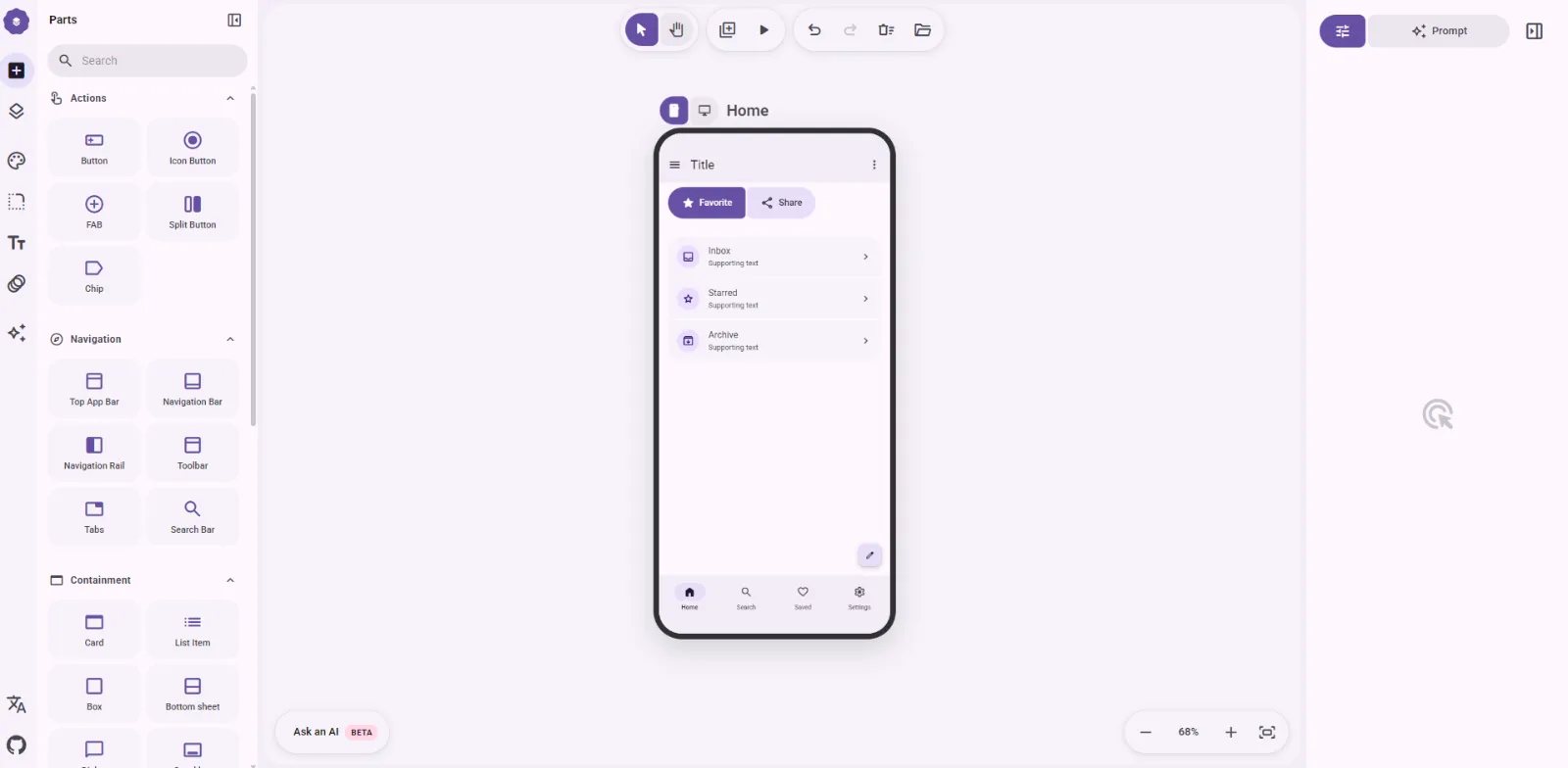

M3e Canvas
LaunchedSketch Material 3 Expressive screens in the browser and turn them into vibe-coding prompts.
Evaluating
What to look for
Questions that are far easier to ask before a launch than after one.
Check where the data ends up
Plain files in a repository, a database you control, or a hosted workspace. That choice decides whether your notes outlive the tool that held them.
Look for a way in and a way out
Import from what you use now, export to something readable later. Tools in this category get switched often, and the ones worth trying expect it.
See how little it asks of everyone else
A tool one person can adopt quietly is testable next week. One that only works after the whole team moves is a much longer conversation.
FAQ
Questions about this category
Is this for developer tools or general productivity apps?
Developer-adjacent ones: docs that live beside code, planning built for engineering teams, note-taking a terminal person would tolerate. General consumer productivity apps are out of scope.
How do I avoid collecting tools I never use?
Pick the one thing that is annoying you this week and try a single tool against only that. Listings here are cheap to test, which is exactly why they pile up unused.
Nearby
Related categories
Corners of the stack that overlap with this one, either in the listings themselves or in practice.
Developer Tools
The wide bucket: CLIs, local environments, test runners, and code review.
60 tools
SaaS
Hosted products where someone else carries the operational load.
23 tools
Open Source
Projects with public code, whether they are pre-1.0, pre-launch, or pre-announcement.
45 tools
AI
Coding agents, inference runtimes, and the plumbing that keeps them reproducible.
20 tools