
M3e Canvas
Sketch Material 3 Expressive screens in the browser and turn them into vibe-coding prompts.
About M3e Canvas
M3E Canvas is a free, open-source sketchpad for app screens built from Material 3 Expressive components. It runs entirely in the browser with no account or server: you drag parts such as buttons, app bars, navigation bars, cards, sheets, dialogs and pickers onto phone or desktop screens, link them, and tap through the flow in a preview with transitions. The whole design, or a single screen, then becomes a short written brief in English, Japanese, Chinese or Korean that you paste into an AI coding tool such as Claude Code, Codex, Gemini CLI or Cursor, with Android or the web as the target. It supports themes from a seed color, light and dark modes, share links and an optional AI helper that calls your own provider key from the browser. The project is MIT licensed and built with Next.js and React.
Alternatives to M3e Canvas


M3e Canvas in brief
Is M3e Canvas open source?
Yes. As of November 14, 2026, GitHub reports the MIT licence, an open source licence, for the code at github.com/lnkiai/m3e-canvas.
Share this tool
More tools like M3e Canvas

Extend UI
LaunchedAn open-source React UI kit for document apps: PDF, DOCX, XLSX and CSV viewers and more.
GSAP
LaunchedA JavaScript animation library for timelines, scroll-driven effects and complex sequencing.
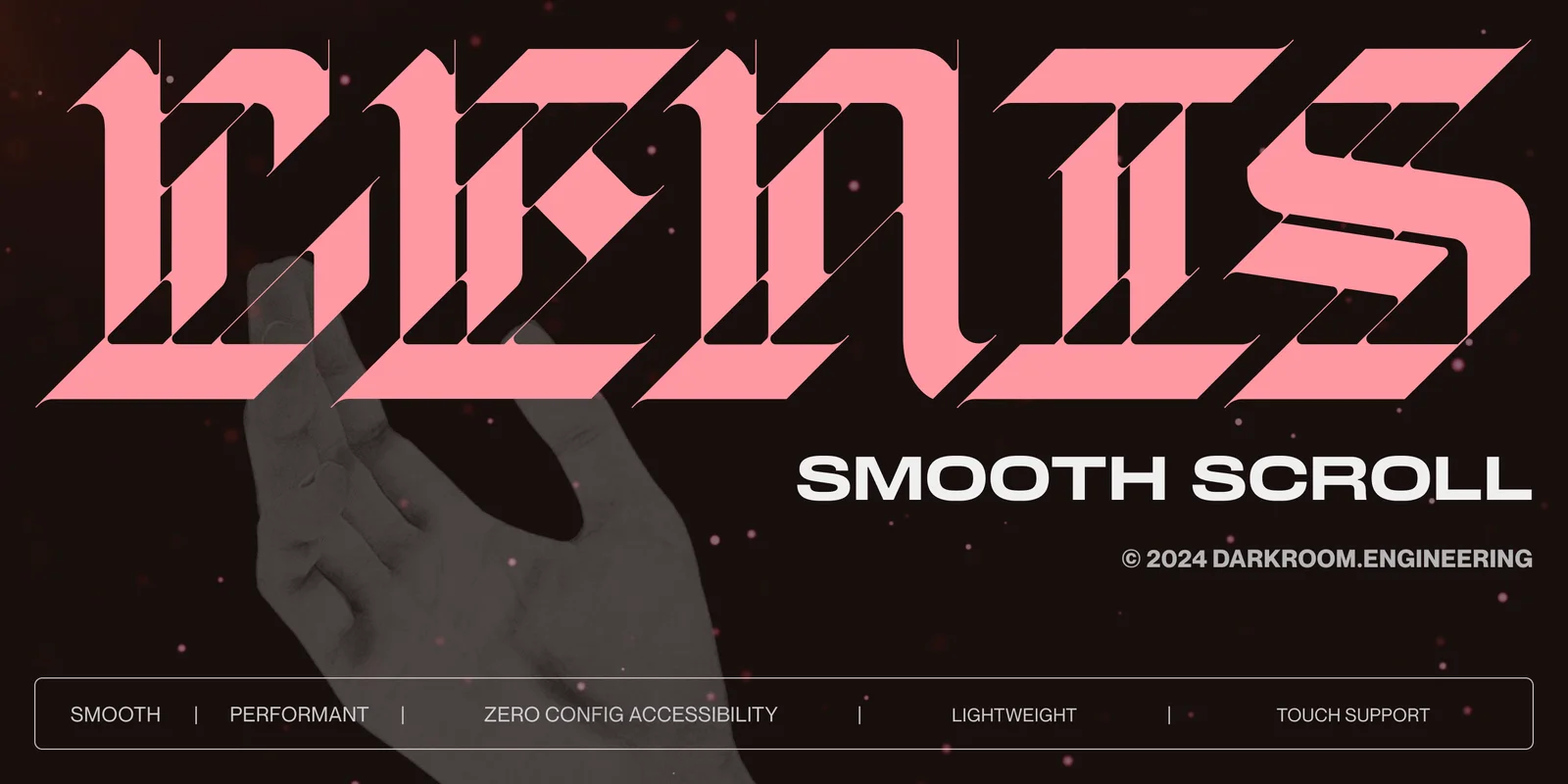

Lenis
LaunchedA lightweight smooth scroll library from the studio darkroom.engineering.